JavaScript Modules: Taming the Code Chaos
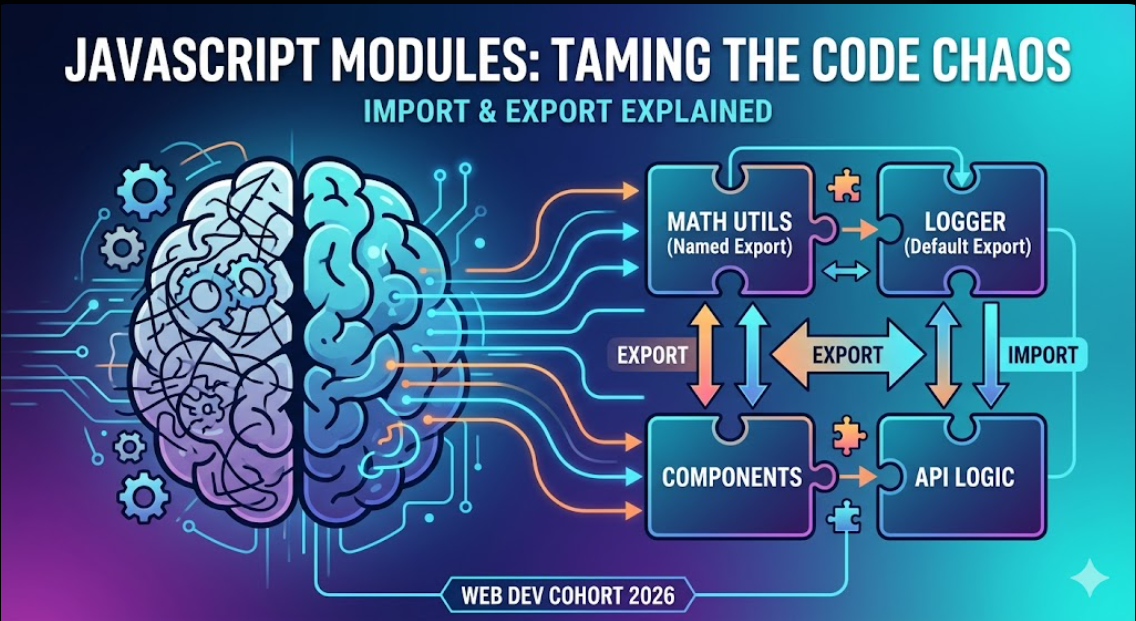
We’ve all been there at the start of our dev journey. You are building an app, you’re in the zone, and you keep adding functions, variables, and logic to your index.js or app.js file. At 100 lines, it’s fine. At 500 lines, it’s getting messy. By the time you hit 1,000 lines, you are spending more time scrolling than actually coding.
Suddenly, you have two variables named data, functions are overriding each other, and fixing a bug in your UI breaks your API logic.
This is the exact problem JavaScript modules were introduced to solve. Instead of dumping everything into one massive file and praying it doesn't break, modules allow us to split our code into smaller, manageable, and independent pieces.
Let's dive into how import and export work, and why they are an absolute game-changer for writing clean code.
Why Modules? (The Pre-Module Nightmare)
Before native modules existed, organizing JavaScript meant splitting code across multiple <script> tags in your HTML file. This created a massive headache: dependency order. If script B relied on a function in script A, but script B loaded first... your app crashed. Furthermore, everything lived in the global scope, meaning a variable declared in one file could accidentally overwrite a variable in another.
Modules fix this by encapsulating code. A file is its own isolated little universe. Nothing leaks out unless you explicitly export it, and nothing gets in unless you explicitly import it.
The Two Ways to Share: Default vs. Named Exports
When you write a brilliant piece of logic in a file, you need to tell JavaScript, "Hey, let other files use this." You do this using the export keyword. There are two main ways to do it:
1. Named Exports
Use named exports when you have multiple distinct things (functions, variables, constants) to share from a single file. Think of a utility file where you keep various helper functions.
// mathUtils.js
export const add = (a, b) => a + b;
export const subtract = (a, b) => a - b;
export const PI = 3.14159;
Note: With named exports, whoever imports these will need to use their exact names.
2. Default Exports
Use a default export when a file has one primary job. This is super common when you are building UI components or a main configuration object. A file can only have one default export.
// Logger.js
const logError = (message) => {
  console.error(`[ERROR]: ${message}`);
};

export default logError;
Bringing It Together: Importing Modules
Now that we’ve exported our code, how do we use it elsewhere? We use the import statement.
Importing Named Exports
Because a file can have multiple named exports, you have to use curly braces { } to specify exactly which ones you want to pull in.
// app.js
import { add, PI } from './mathUtils.js';

console.log(add(2, 3)); // Output: 5
console.log(PI); // Output: 3.14159
Importing Default Exports
Because there is only one default export per file, you don't need curly braces. You can also name it whatever you want when importing (though it's best practice to keep it consistent).
// app.js
import myCustomLogger from './Logger.js';

myCustomLogger("Database connection failed!");
Mixing Both
You can absolutely have both in a single file and import them together:
import myCustomLogger, { add, subtract } from './myModule.js';
Why Modular Code Makes You a Better Developer
Adopting modules isn't just about learning new syntax; it fundamentally changes how you architect your applications.
Maintainability: When you need to fix a bug in your date-formatting logic, you know exactly which file to open (
dateUtils.js) instead of hunting through a 2,000-line monolith.Reusability: Wrote a killer authentication helper? Export it! Now you can import it into any file in your project—or even copy the file to a completely different project.
Namespace Protection: Because modules don't pollute the global scope, you never have to worry about accidentally overwriting a variable named
userfrom another file.
Wrapping Up
If you're building modern web or mobile applications, modules are your best friend. Don't worry about the complex setups or bundlers just yet—focus on the core concept: write small, focused files, export the useful bits, and import them where needed. Your future self (and your teammates) will thank you.


